You open an incognito window, type your business name, and see yourself at the top of Google Maps. You close the laptop feeling great. But that ranking is meaningless. When you search your own name, you are the only result that matters, so Google shows you exactly what you want to see. Real local rank tracking requires a different approach.
Why searching your own name gives false hope
When you search for your exact business name, Google knows you are looking for that business. It will almost always show your profile first, even if you rank poorly for the terms your customers actually use. Your customers do not search your name — they search for what you sell, like "plumber near me" or "best coffee shop downtown". Those searches are where local rank tracking matters.
Also, your device, location, and search history all influence results. You might see your business ranked high because you visit your own website often, while a potential customer two blocks away sees something completely different. Personalisation makes manual checks unreliable.
What local rank tracking actually means
Local rank tracking is the process of monitoring where your business appears in Google search and Google Maps for a specific set of keywords, from a specific location. It is not about your name; it is about the phrases your customers type when they need what you offer. A proper local rank tracker tool checks these phrases from multiple locations, so you see the real picture.
For example, a dentist in Manchester might want to track "emergency dentist Manchester", "teeth whitening Manchester", and "dentist near me". Tracking those terms over time tells you if your local SEO efforts are working. Searching "Manchester Dental Care" just shows you your own business — it does not tell you if you are visible to new customers.
How to set up proper local rank tracking
Step 1: Choose the right keywords
Start by listing the services or products you offer, then add your town or city. Think like a customer. If you run a bakery, you might track "bakery in Leeds", "custom cakes Leeds", and "birthday cake delivery Leeds". Use a keyword tool or Google autocomplete to find variations. Aim for 10–20 keywords that matter most to your revenue.
Step 2: Pick a local rank tracker tool
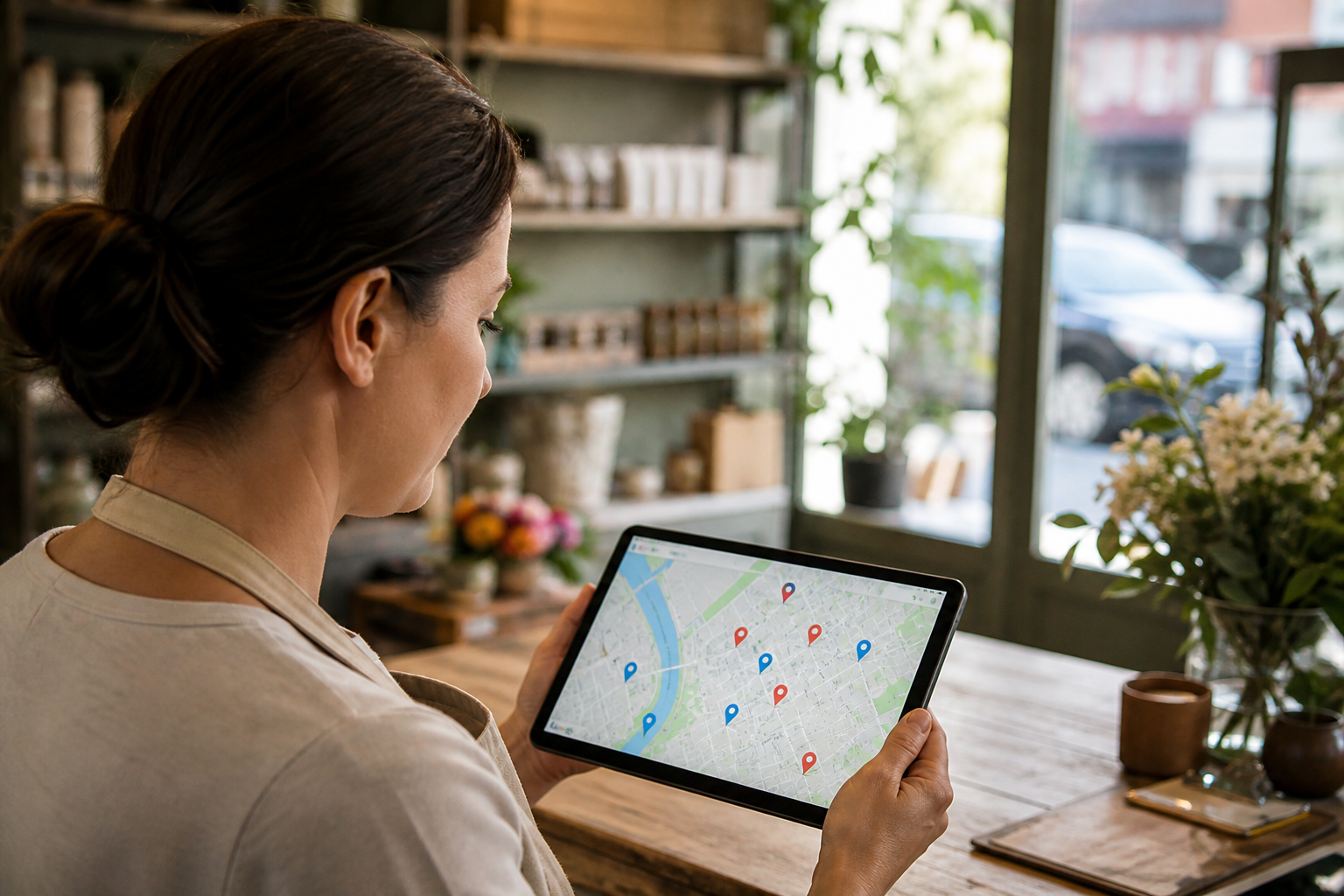
Manual checking is not scalable. You need a local rank tracker tool that checks Google Maps and organic results from different locations. Some tools let you set a grid of points around your business to see how rank changes by distance. That is called a Google Maps rank tracker, and it is far more accurate than a single incognito search.
When choosing a tool, look for one that updates daily, supports multiple locations, and shows you both Maps and organic rankings. This is your local SEO rank tracker, and it should give you clear reports you can act on.
Step 3: Set your tracking locations
If you serve customers at your address, track from your city centre and a few surrounding areas. If you are a service-area business, like a mobile plumber, track from the suburbs or towns you cover. Most tools let you enter postcodes or draw a radius. This shows you where you are visible and where you are not.
Step 4: Monitor and analyse
Once your tracker is running, check your rankings weekly. Look for trends: are you moving up for "emergency dentist Manchester"? Are you losing ground for "best coffee shop downtown"? Use the data to adjust your Google Business Profile, build citations, and earn reviews. Without tracking, you are guessing.
Why a Google Maps rank tracker beats manual checks
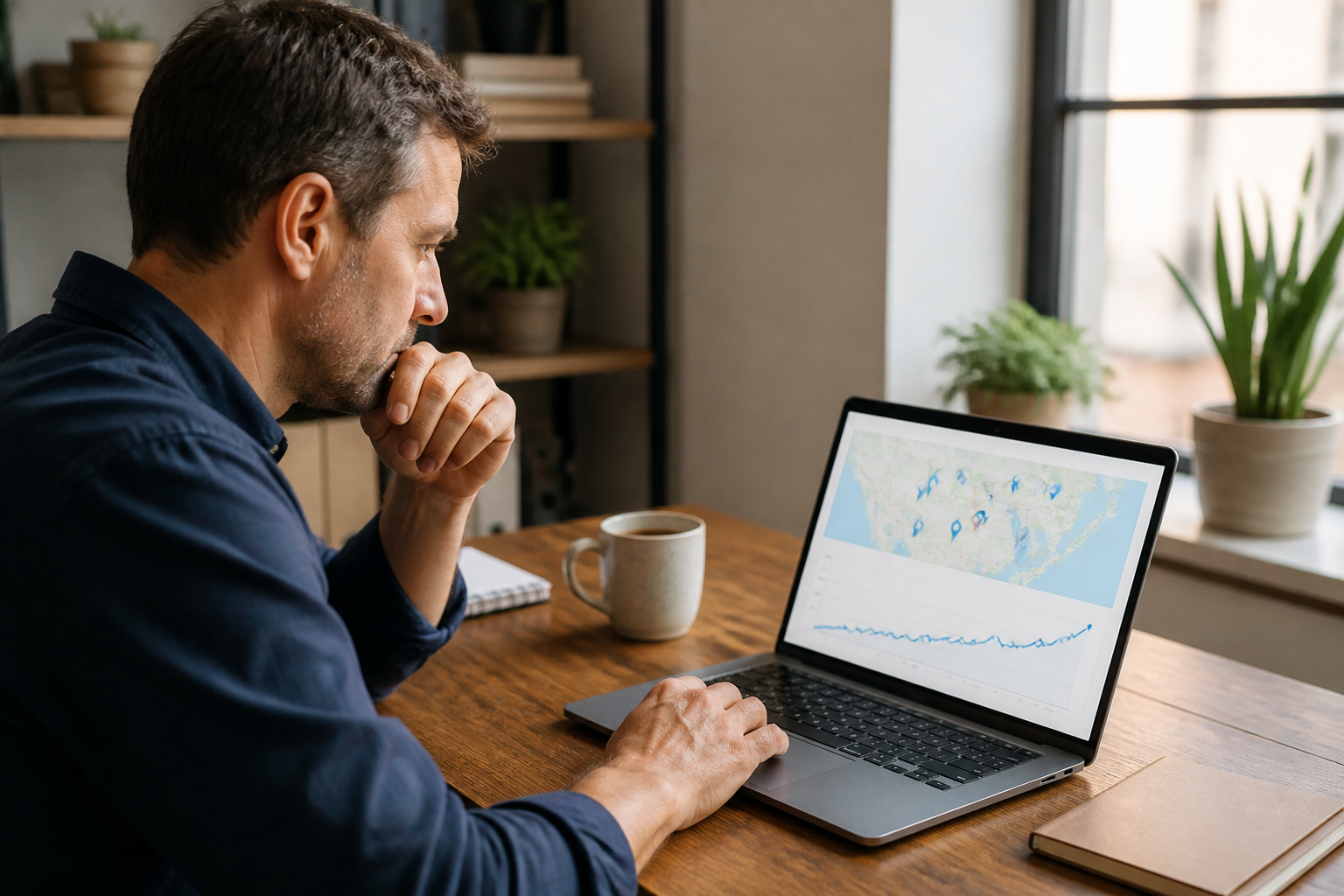
A Google Maps rank tracker simulates searches from different locations without personalisation. It shows you the average rank your customers see. It also tracks changes over time, so you can correlate them with your marketing actions. For instance, if you add new photos to your Google Business Profile and see a bump in Maps rankings, you know it worked.
Manual checks cannot do this. They are a snapshot from one place, influenced by your own behaviour. If you want to know if your local SEO is working, you need consistent, location-based data.
Common mistakes to avoid
- Tracking your business name: This tells you nothing about new customer acquisition.
- Using a single location: Your rank varies by distance. Track from multiple points.
- Checking too often: Rankings fluctuate daily. Weekly is enough; daily can cause panic.
- Ignoring organic results: Google often shows local packs and organic listings. Track both.
- Not acting on data: Tracking is useless if you do not optimise your profile and website based on what you learn.
Also, avoid tools that only track from one data centre. Local rankings are hyper-local; you need a tool that understands that. The best local rank tracker will let you see a heatmap of your visibility, so you know exactly where to focus.
Turn tracking into action
Once you have your local rank tracking in place, use the insights to improve. If you rank poorly for a keyword, check your Google Business Profile: are your categories correct? Do you have relevant photos and posts? Are you collecting reviews that mention that service? For organic rankings, update your website content and build local citations.
If you are a multi-location business, track each location separately. A single dashboard that shows all locations helps you spot underperformers and share best practices. Remember, local SEO is ongoing. Rankings change, competitors optimise, and Google updates its algorithm. Regular tracking is the only way to stay ahead.
Stop searching your own name and start tracking what matters. With the right local rank tracking setup, you will know exactly where you stand and what to do next.
See where you actually rank
GMB Ranking scans your area block by block and shows your position on the map, then tells you what to fix first. Free to start, no card needed.
Check your ranking free →